
Zoeftig Under Seat Boost Airport Charger on a MacBook Air: Measured
Zoeftig's airport seat charger is real USB-C Power Delivery, good for 25.5 W. Its 20 V rung offers less power than its 15 V rung, so the Mac stepped down to 15 V. A first for this series.
See the measurements →
Southwest Airlines In-Seat USB-C Charger on a MacBook Air: Measured
Southwest's seat USB-C port is a real 60 W Power Delivery charger, built by Astronics. The Mac took 20 V at 3 A, the top rung, and the charger named itself, which the Zoeftig airport seat didn't.
See the measurements →
Anker Nano Charger Neo (45-65W) on a MacBook Air: Every Profile
Rated 45-65 W. It goes straight to 65 W with no step-up, but only through a 5A cable. It answers the Mac with Xiaomi's vendor ID, and the AVS on its box is saved for devices on the newest Power Delivery.
See the measurements →
Anker 25W USB-C on a MacBook Air: Measured
Two profiles, a 9 V ceiling, and a rail that sags to 8.4 V - below what PD allows. It also tells the Mac nothing about itself and hides the cable, where its 33 W sibling does both.
See the measurements →
Anker 33W 2-Port on a MacBook Air: Measured
Delivers 31.4 W of its 33 W rating and offers that rating on two rails. It also names its PD controller's maker instead of Anker - and it lets the Mac read the cable, which a sibling Anker charger refuses to do.
See the measurements →
A Golf Ball That Charges a MacBook: Measured
Delivers 18.9 W of its 20 W rating and holds its rail properly. The interesting part is the profile menu, which is the same one a Target car charger advertises - because the silicon inside is the same.
See the measurements →
The Same Power Bank, Two Ports: 62.3 W and 5.3 W
Same battery, same cells, same state of charge - and twelve times the difference, decided entirely by which socket you plug into. The USB-A rail does not even hold 5 volts.
See the measurements →
Charging a MacBook Air From Another MacBook Air: Measured
A Mac can charge another Mac, but it offers exactly one profile: 15 W at 5 V. Delivered 13.1 W - and it is the only PD contract in this series that settled on the 5 V rail.
See the measurements →
A DJI Drone Remote as a Mac Charger: The First One That Failed
2.5 W at exactly 500 mA - the USB 2.0 minimum. Every other source in this series at least slowed the battery's decline. This one is the first that did nothing.
See the measurements →
Monoprice 30W USB-C Car Charger on a MacBook Air: Measured
Rated 30 W, but the top rung it actually advertises is 27 W. A clean example of a box number that is a hardware ceiling rather than a profile you can negotiate.
See the measurements →
Target dealworthy 20W USB-C Car Charger on a MacBook Air: Measured
Its own listing claims 5 V, 3 A. In practice it negotiates a full 20 W at 12 V, offers PPS, and hands over 17.5 W - a spec sheet that undersells the hardware.
See the measurements →
HP 45W USB-C Charger on a MacBook Air: Measured
Delivers 41.8 W of its 45 W rating. Unusually, every rung of its ladder is exactly 3 A, and there is no 20 V step - so it reaches full power on any ordinary cable.
See the measurements →
A 2004 AirPort Express as a MacBook Charger: Measured
It advertises the full BC 1.2 charging profile - 5 V at 1.5 A - and then collapses to 4 V at 0.83 A under load. Twenty-two-year-old hardware writing cheques it cannot cash.
See the measurements →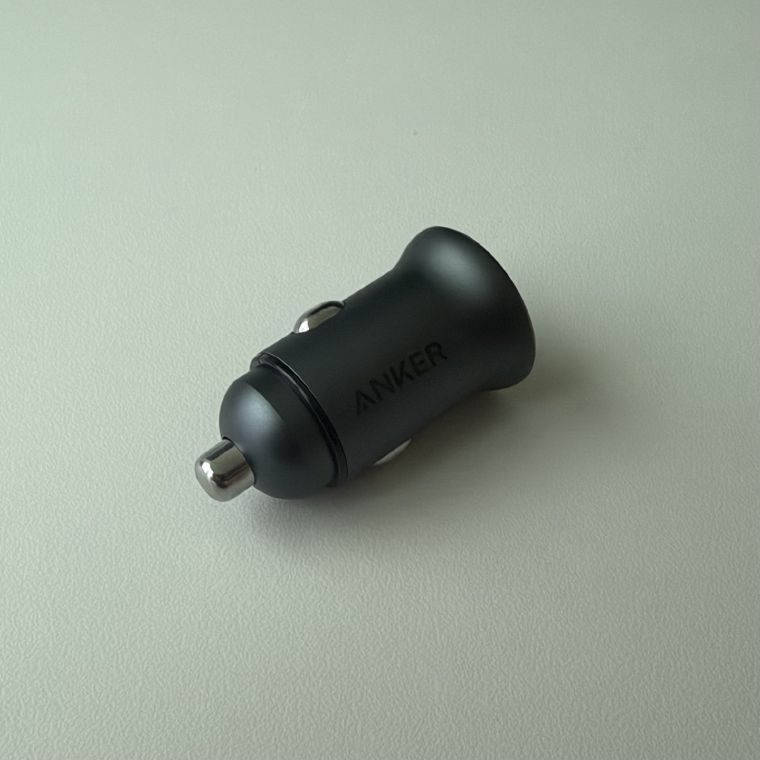
Anker PowerDrive 2 Alloy Car Charger on a MacBook Air: Measured
Rated 24 W, delivers 7.1 W to a MacBook. USB-A has no Power Delivery, so the Mac falls back to BC 1.2 and its 5 V, 1.5 A ceiling - a phone charger that happens to live in your car.
See the measurements →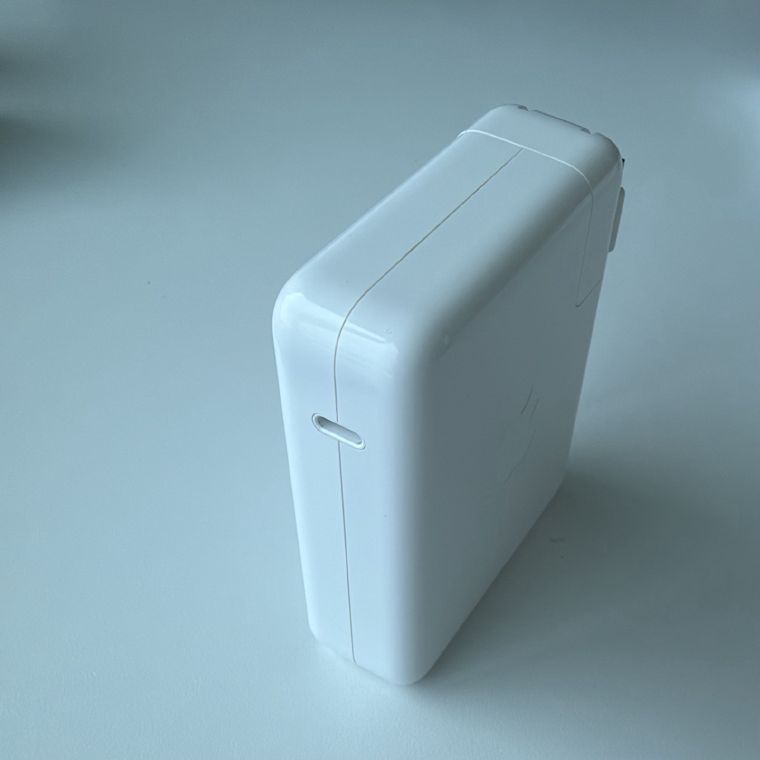
Apple 140W USB-C Power Adapter on a MacBook Air: Measured
Negotiates 94 W at 4.7 A on a standard Mac. To unlock the full 140 W (28 V at 5 A), an Extended Power Range (EPR) Mac is required.
See the measurements →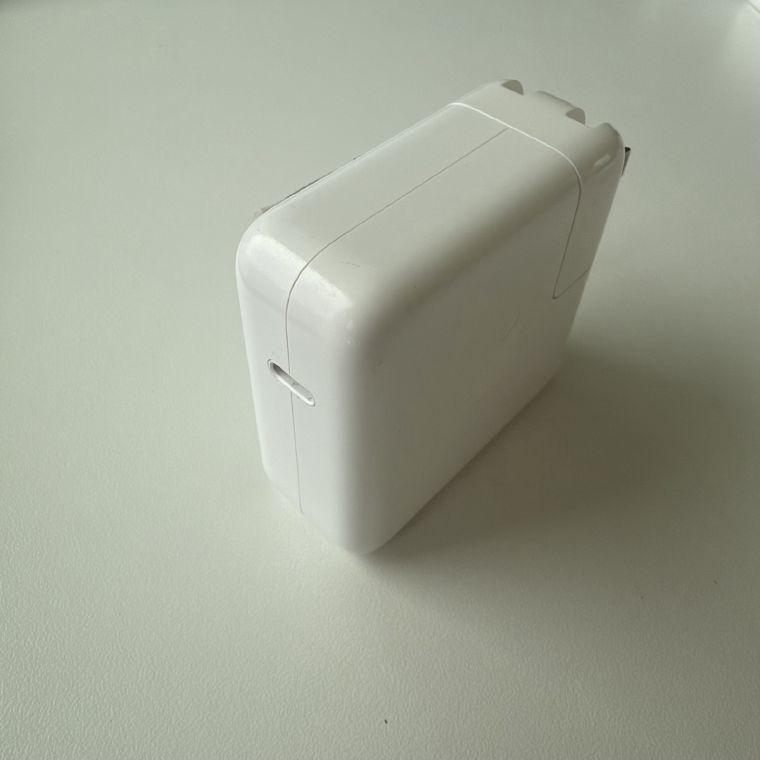
Apple 70W USB-C Power Adapter on a MacBook Air: Measured
Negotiates 68 W at 3.4 A. Because it exceeds the 3 A limit of a standard USB-C cable, a 5A cable is strictly required to get the full 70W.
See the measurements →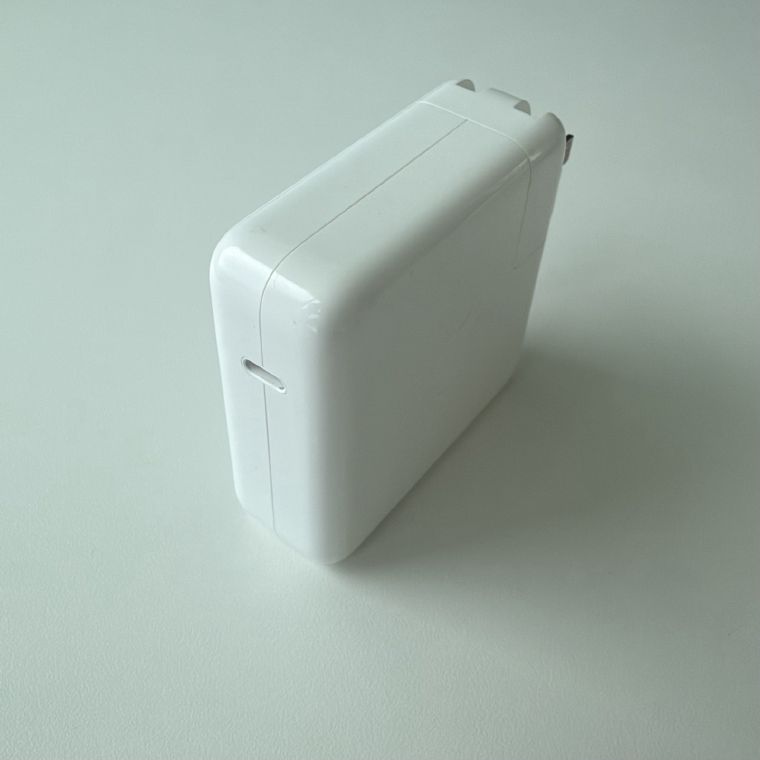
Apple 61W USB-C Power Adapter on a MacBook Air: Measured
Negotiates 60 W at 3 A. Unlike the 87W, this PD 2.0 adapter includes the 15 V rail, and only requires a standard 3A cable.
See the measurements →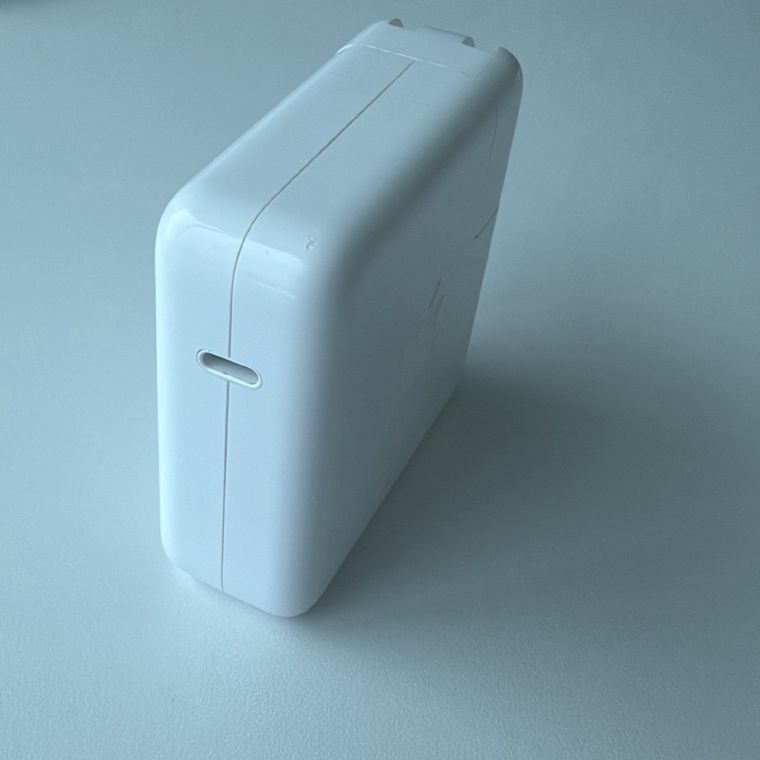
Apple 67W USB-C Power Adapter on a MacBook Air: Measured
Negotiates 65.4 W at 3.27 A. Because it exceeds the 3 A limit of a standard USB-C cable, a 5A cable is strictly required to get the full 67W.
See the measurements →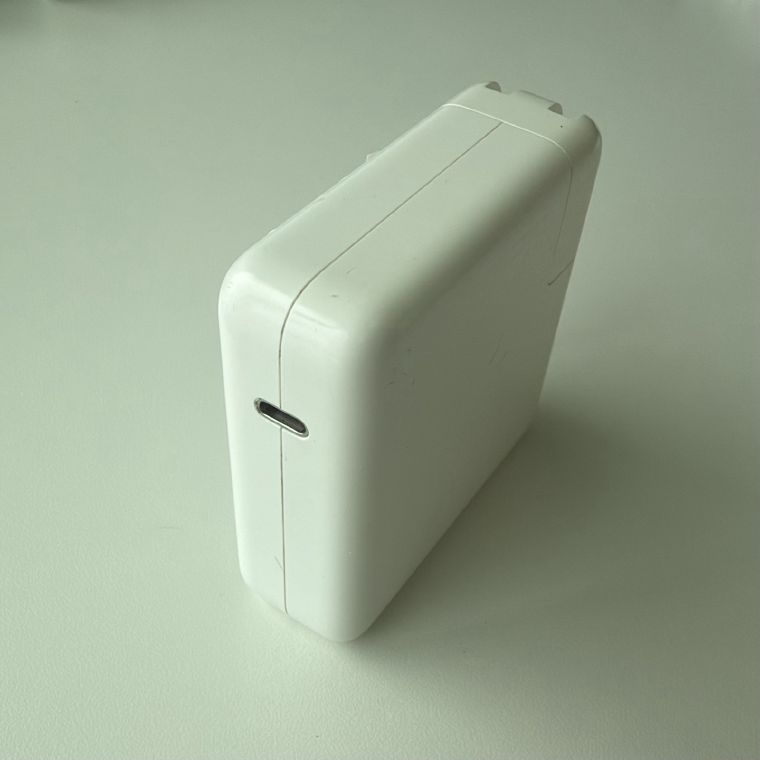
Apple 87W USB-C Power Adapter on a MacBook Air: Measured
Negotiates 86 W at 4.3 A. This older adapter uses the USB PD 2.0 specification and skips the 15 V rail entirely.
See the measurements →
A USB-C to 12V Car Socket Adapter: Which Chargers Work
This $5 adapter runs a 12V car accessory off a USB-C charger. It only takes fixed profiles - 5, 9 or 12 V - and ignores PPS and AVS entirely, which is why it has such mixed reviews.
See the measurements →
The USB Port on a Desk Power Strip on a MacBook Air: Measured
The USB port built into a desk power strip pulls 7.4 W to a MacBook. No Power Delivery, capped at 1.5 A by USB BC 1.2 - a phone-overnight charger and nothing more.
See the measurements →
Apple 96W USB-C Power Adapter on a MacBook Air: Measured
Negotiates 94 W at 4.7 A - the largest contract in the series. Swap to a non-e-marked cable and the same adapter drops to 60 W, with the app naming exactly what's missing.
See the measurements →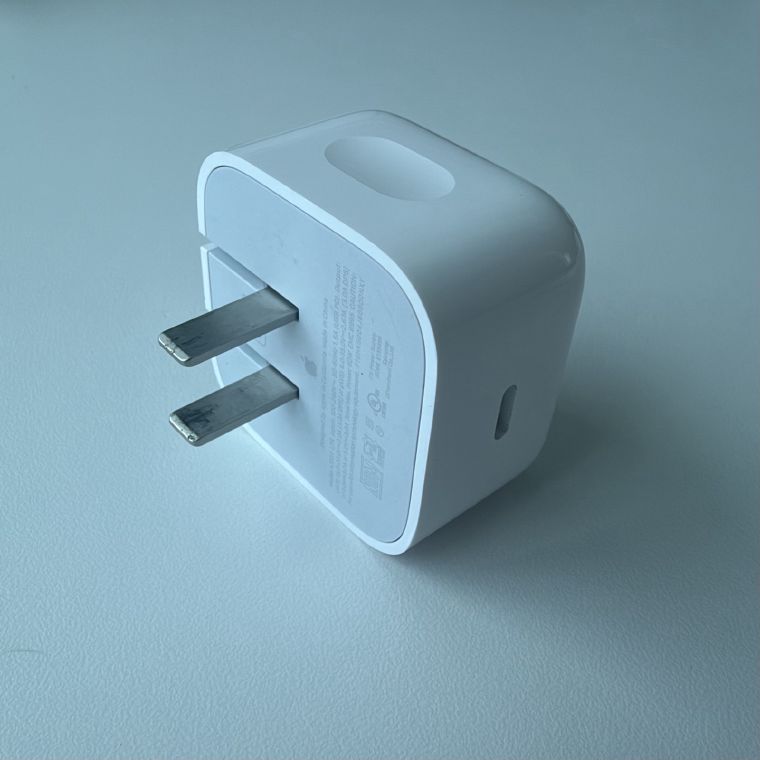
Apple 40W Dynamic Power Adapter (60W Max) on a MacBook Air: Measured
One charger with two ratings. It starts at 40 W, steps up to its 60 W peak when the Mac asks, and the Mac draws 56.1 W live.
See the measurements →
Dell WD22TB4 Thunderbolt Dock on a MacBook Air: Measured
Negotiates 90 W at 4.5 A while simultaneously carrying Thunderbolt 4 at 40 Gbps and a Realtek gigabit LAN adapter. One cable doing what a charger cannot.
See the measurements →
Anker 20,000mAh Power Bank on a MacBook Air: Measured
Delivers 62.3 W to a laptop from a battery, with five fixed profiles and PPS up to 5 A. It also identifies itself as Chipsea Technologies - the PD controller chipmaker, not Anker.
See the measurements →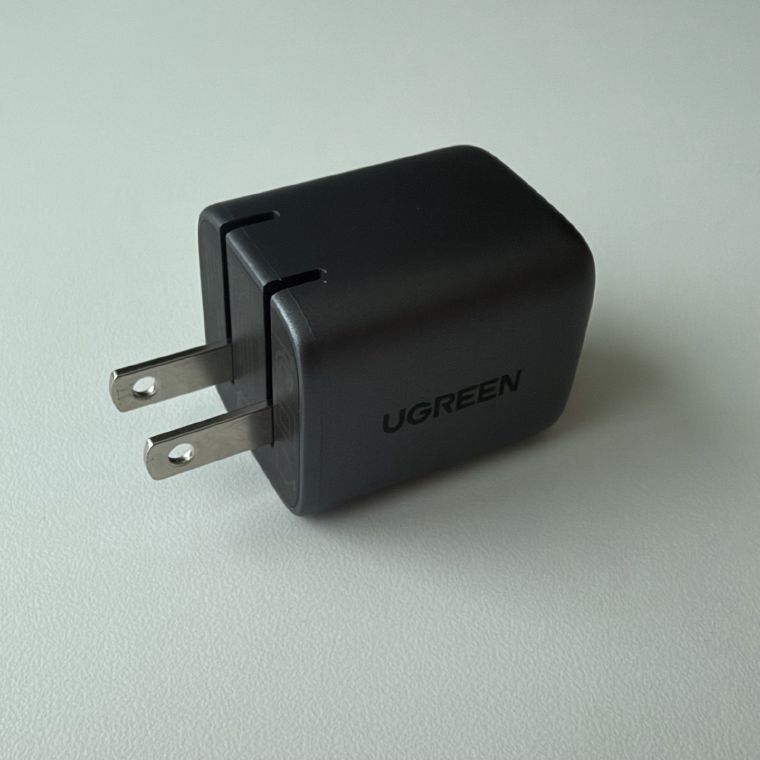
UGREEN 30W Charger on a MacBook Air: Measured
Delivers its full 30 W and offers that rating three times over - at 12 V, 15 V and 20 V. The most flexible fixed-profile menu in the series.
See the measurements →
AUKEY 20W Charger on a MacBook Air: Measured
Delivers its full 20 W, but over a 12 V rail rather than the usual 9 V - and offers that rating on both. Includes PPS up to 2 A.
See the measurements →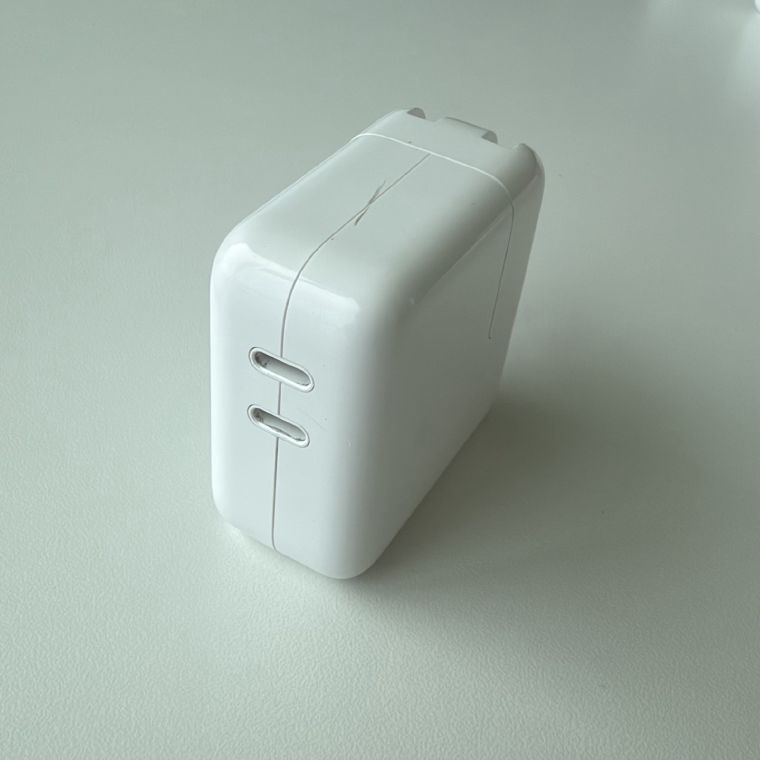
Apple 35W Dual USB-C Power Adapter on a MacBook Air: Measured
One port in use: the full 35 W. Second port occupied: every profile drops to about 17 W. The same adapter, measured both ways.
See the measurements →
Apple 30W USB-C Power Adapter on a MacBook Air: Measured
The M1 MacBook Air's bundled charger delivers 28.4 W and offers its full 30 W twice, on two different rails. It also reports its own manufacturer and product name.
See the measurements →
Anker Nano 30W GaN on a MacBook Air: Measured
Delivers 28 W live, offers its full 30 W on two different rails, and adds a PPS range for phones. It also reports no name at all - macOS just calls it 'Power Supply'.
See the measurements →
Anker 20W Nano Pro on a MacBook Air: Measured
Delivers its full 20 W at 9 V. The readout is byte-for-byte identical to Apple's 20W cube: same two profiles, same active rung, same live draw.
See the measurements →
Apple 20W USB-C Power Adapter on a MacBook Air: Measured
The iPhone cube delivers its full 20 W to a MacBook Air, from just two profiles with no 15 V or 20 V laptop rail. 9 V x 2.22 A is 20 W exactly - a designed number.
See the measurements →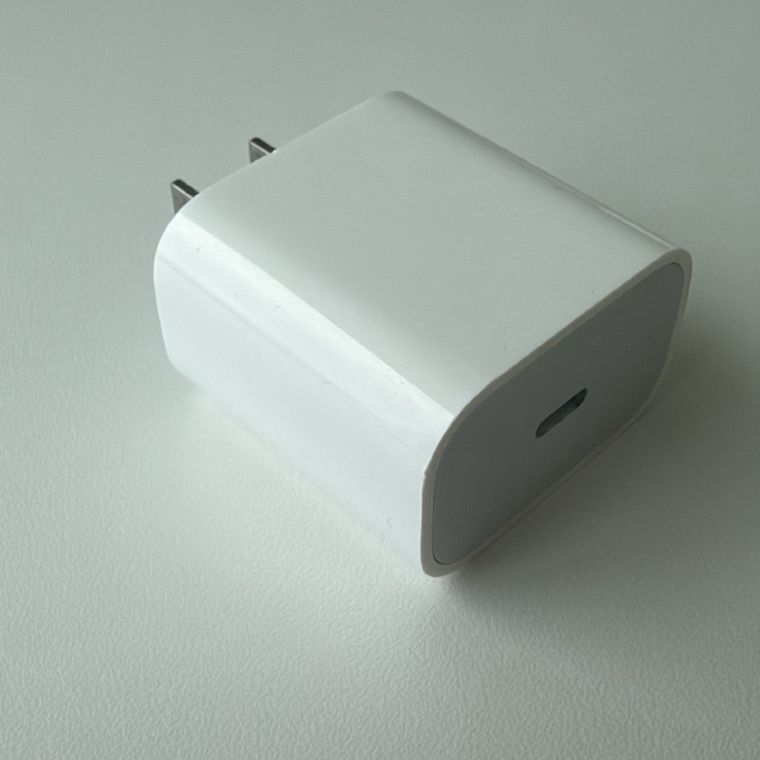
Apple 18W USB-C Power Adapter on a MacBook Air: Measured
Delivers its full 18 W from just two profiles. Famous for being 0.22 A short of what the HomePod mini demanded at launch - until a software update relaxed the requirement.
See the measurements →
Dell 65W USB-C Charger on a MacBook Air: Measured
Delivers its full 65 W, using a 3.25 A top rung that a 3 A cable can't carry. It reports itself only as 'pd charger' - the Dell name comes from its PD vendor ID.
See the measurements →
Amazon Basics 68W GaN Charger (PD68U) on a MacBook Air: Measured
The USB-C port delivers its full 60 W, and drops live to 50 W the moment the USB-A port is loaded. 68 W is a shared budget, not the sum of the two ports.
See the measurements →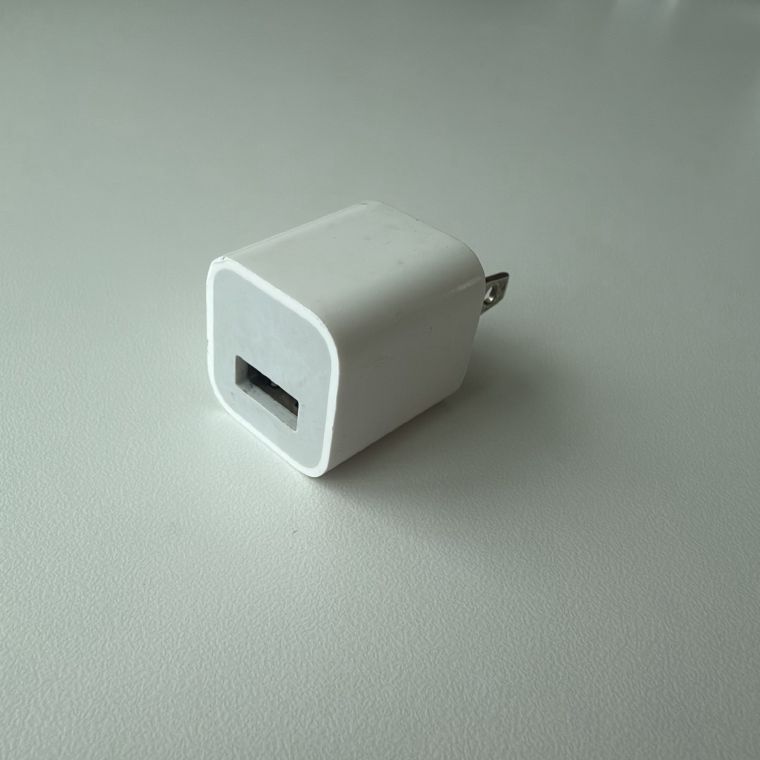
Apple 5W USB-A Charger (A1385) on a MacBook Air: Measured
The classic iPhone cube delivers 4.6 W to a MacBook Air. No fast-charge profile at all - just a plain 5 V / 1 A port, capped by the charger itself.
See the measurements →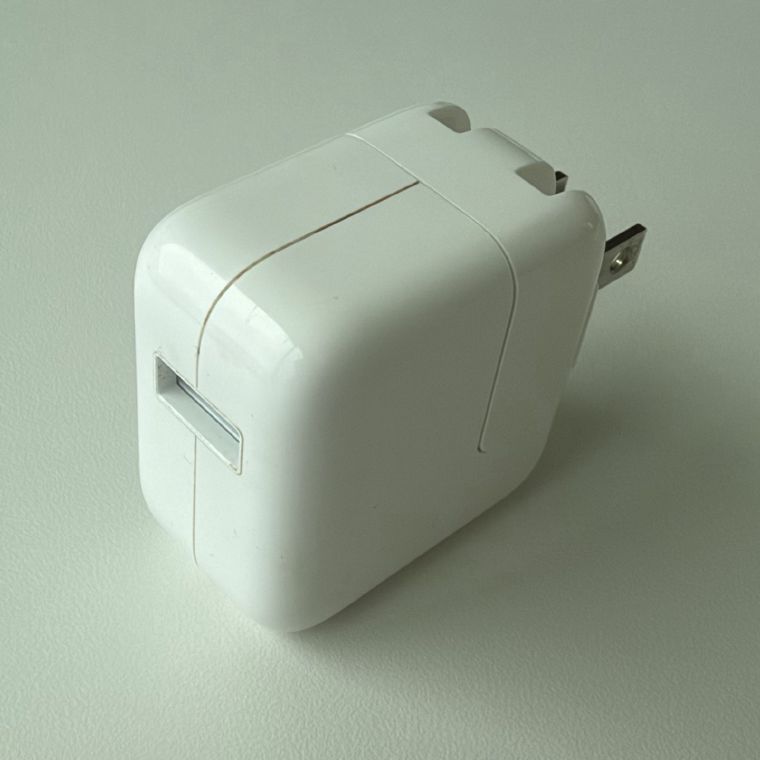
Apple 12W USB-A Charger (A1401) on a MacBook Air: Measured
Rated 12 W, delivers 7.1 W to a MacBook Air - identical to the 10W brick. The twist: a USB-C iPhone still pulls the full 12 W from this same charger.
See the measurements →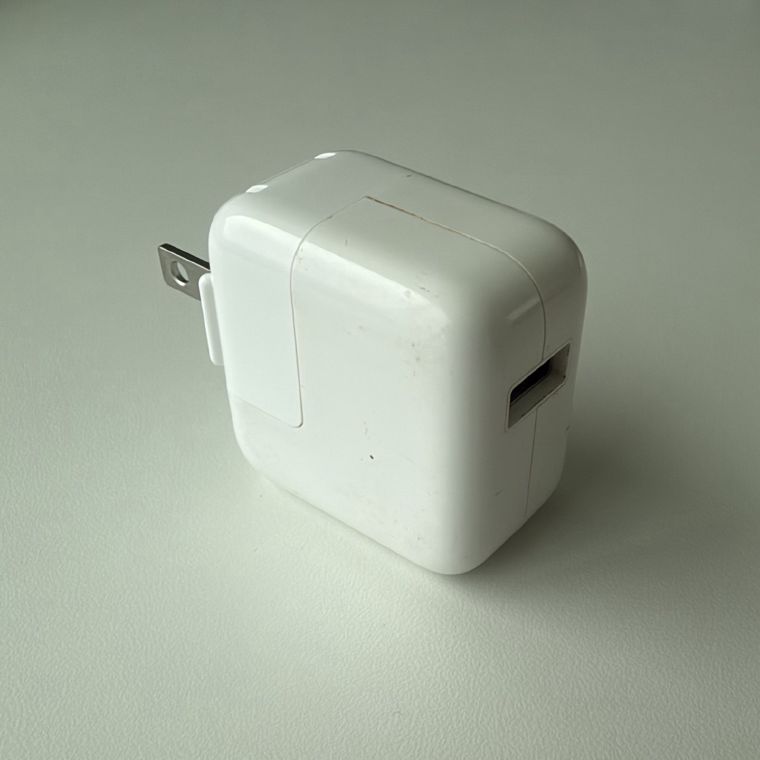
Apple 10W USB-A Charger (A1357) on a MacBook Air: Measured
Rated 10 W, delivers 7.1 W to a MacBook Air. The Mac won't use Apple's legacy 2.1 A signaling, so both sides fall back to BC 1.2 and its 7.5 W ceiling.
See the measurements →


