
How Your Mac Picks a Charging Profile: Watts First, Then Volts
Plug in a USB-C charger and your Mac picks one profile from its menu. It goes for the most watts first, and only then the highest voltage. An airport seat charger, whose 20 V rung offered less than its 15 V rung, showed the order.
Read the guide →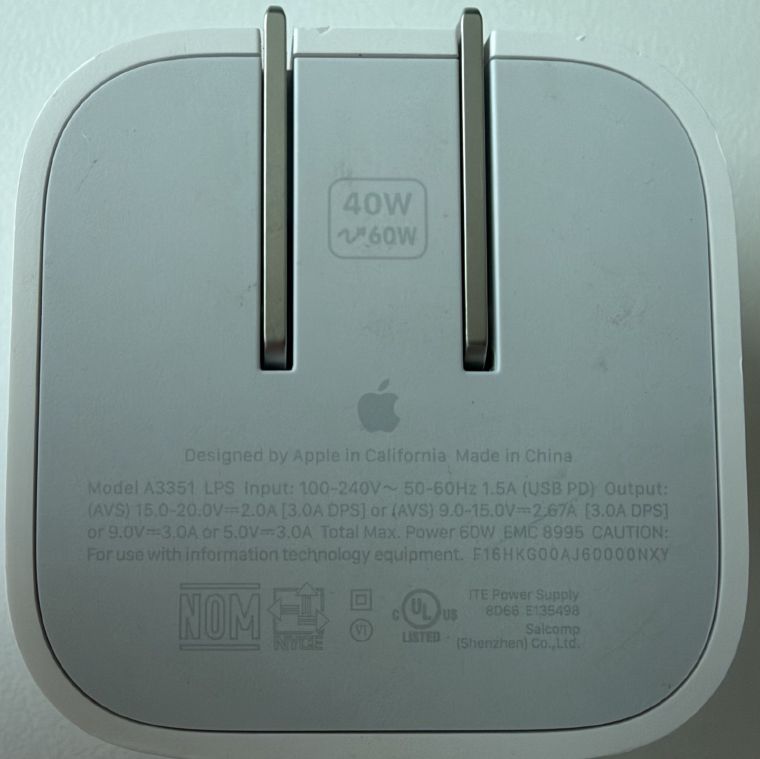
What DPS Means on a USB-C Charger
A DPS charger guarantees a base wattage and offers a higher peak while it's cool enough. It was introduced as Dynamic Power Source in 2024 and renamed Dynamic Power Supply in 2026. It's about power over time, not adjustable voltage, so it's a different thing from AVS and PPS.
Read the guide →
What Anker's PowerIQ Actually Is (We Measured Nine of Them)
PIQ 3.0 means QC 3.0 + PD 3.0 + PIQ 1.0. Two of those three do nothing for a Mac. Here's what nine measured Anker chargers actually negotiated, and why PowerIQ never appears in the readout.
Read the guide →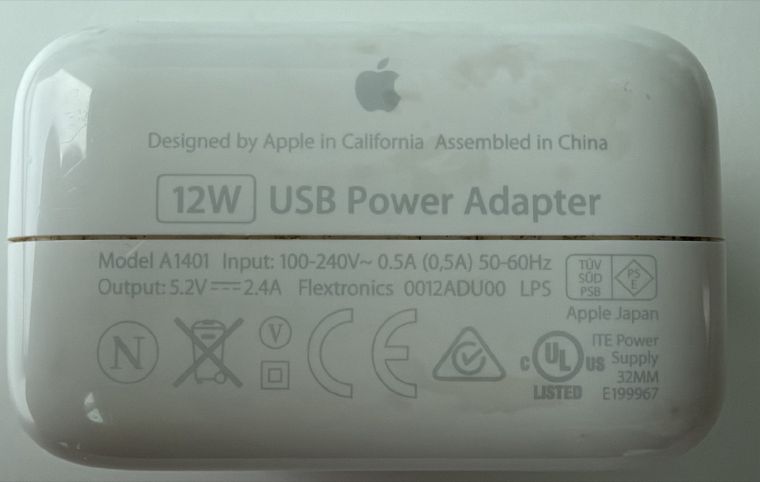
Apple 2.4A Charging: How Apple's USB-A Fast-Charge Signal Works
Apple 2.4A is two voltages on a USB-A charger's data pins that tell an iPhone or iPad it can pull 12 W. The full voltage table, where 2.4A labels come from, and why your iPhone still honors it while your Mac caps the same charger at 7.5 W.
Read the guide →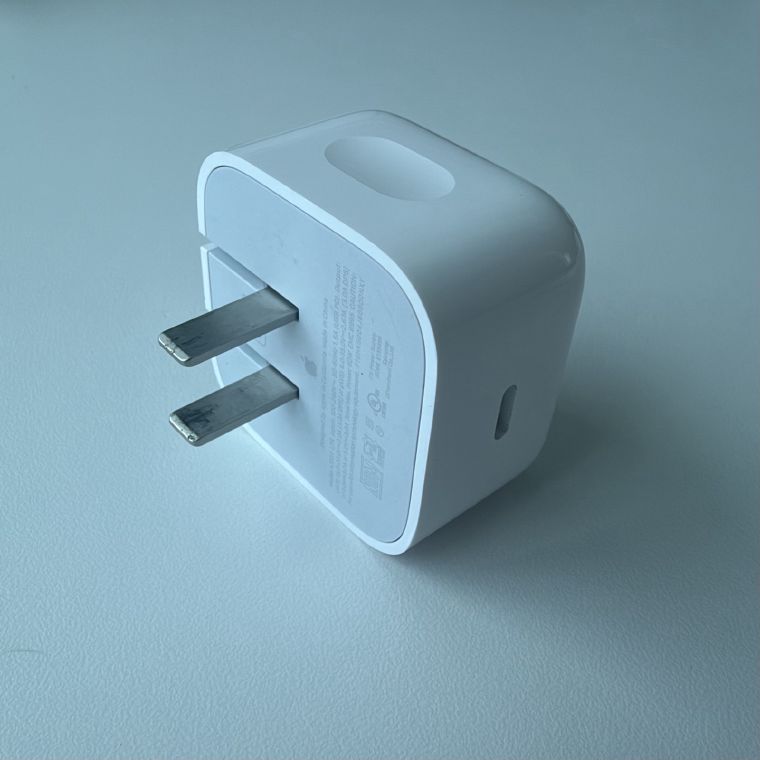
iPhone 18 Pro Is the First iPhone That Actually Needs AVS Charging
Apple's 40W Dynamic Power Adapter shipped with AVS a year ago, and no iPhone used it. The iPhone 18 Pro is the first whose fastest charge depends on it, while the iPhone Duo doesn't. What's confirmed, and three questions Apple hasn't answered.
Read the guide →
Check a Used Charger Before You Buy New - and How to Spot a Fake
A used charger is almost always the better purchase. Clean it, buy from a real seller, then verify it with USB Connection Information. Genuine chargers report their true vendor and the correct PD profile ladder. Counterfeits rarely bother to hide either.
Read the guide →Why MagSafe Never Charges Your Mac Slowly (but USB-C Can)
Every Apple MagSafe 3 cable carries at least 5 amps, so the cable is never the bottleneck. USB-C cables aren't guaranteed that - which is why the same charger can be fast on MagSafe and slow on USB-C.
Read the guide →How Many Watts Does Your Mac Actually Need? (Only One Does 140W)
The 16-inch MacBook Pro is the only Mac that charges at 140W (EPR). Everything else caps at 100W, and the Airs pull about 70W. Buying past your Mac's ceiling does nothing.
Read the guide →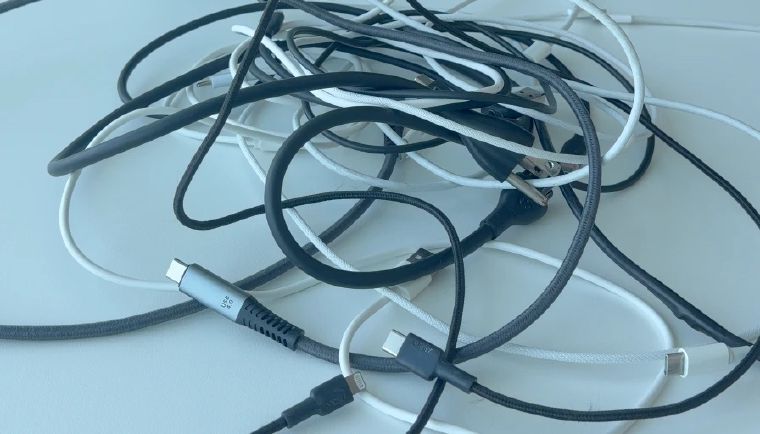
The Wild West of USB Charging: How We Got From 2.5 Watts to Today
USB charging began at 2.5 watts, and going faster meant breaking the rules. The story of USB Battery Charging mode, the proprietary Wild West, and how Apple ended up crippling its own iconic charger to enforce the new standard.
Read the guide →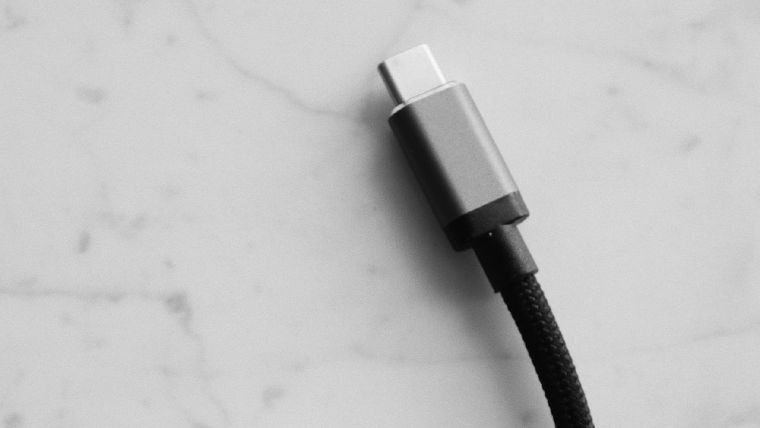
How to Check USB Status on Mac and Windows
Your computer knows the speed, power, and port of every USB device attached - it just doesn't show you. Here's how to read USB status on Mac and Windows.
Read the guide →
How I Test Chargers: The Watt Check Methodology
The complete test rig and methodology behind the Watt Check charger series - what's measured, what's controlled for, and why a USB 2.0 cable is the right call for power testing.
Read the guide →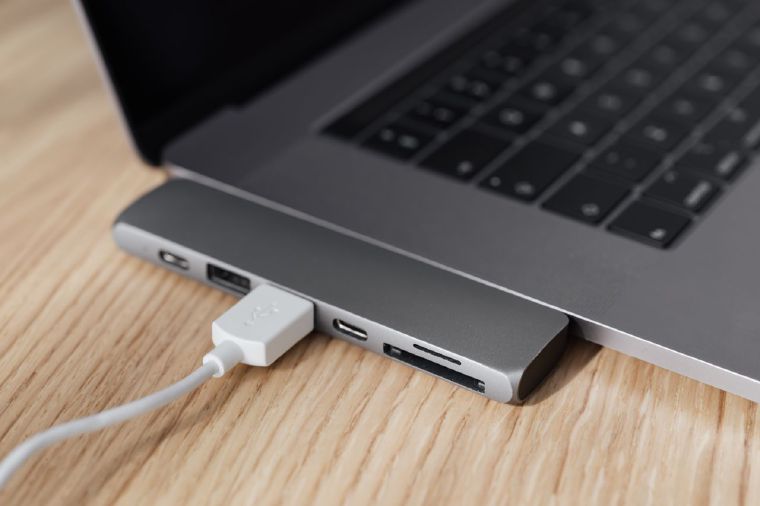
USB-C Charging Speed and Data Speed Are Independent - Here's Why That Matters
Your 240W charging cable might only do USB 2.0 data. Your speedy USB 3.2 cable might cap at 60W charging. These specs are independent - here's why, and what to look for.
Read the guide →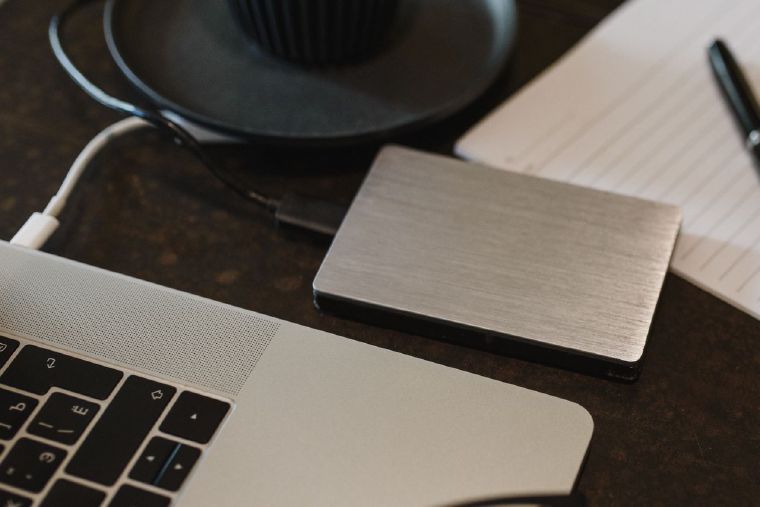
Why Is My Device Connecting at USB 2.0 Speed? How to Diagnose a Slow USB-C Connection
A USB 3.x device stuck at 480 Mbps is almost always caused by a USB 2.0 cable. Here's how to confirm it and what to replace.
Read the guide →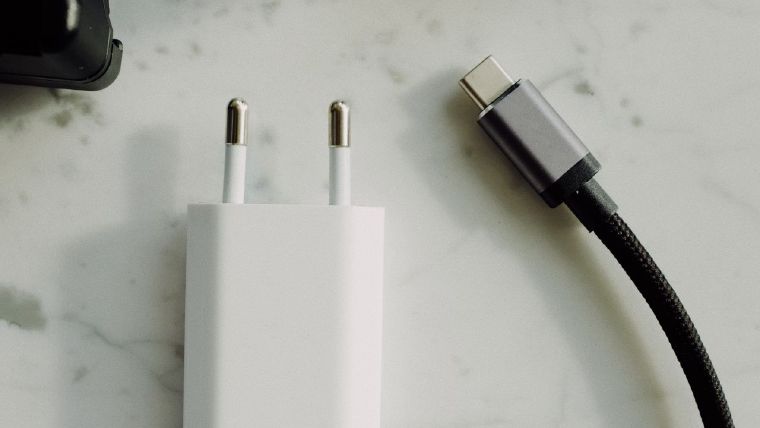
Why Only Apple Chargers Show Their Name on Mac
Apple's chargers are the only USB-C chargers that fully identify themselves to macOS - name, model, firmware, serial. Here's why third-party chargers appear as generic 'Power Supply' and what the app shows in that case.
Read the guide →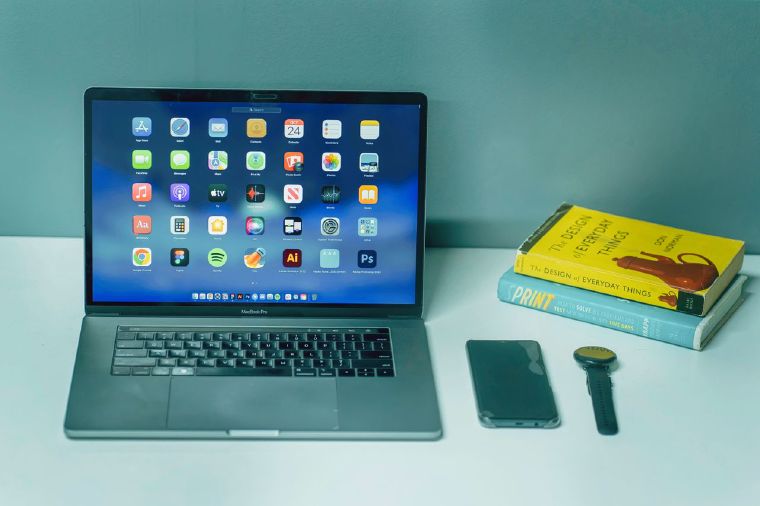
Setapp vs Mac App Store: Where to get USB Connection Information
We're bringing USB Connection Information to Setapp's new Standalone store. Here is a breakdown of the differences between purchasing through the Mac App Store versus Setapp.
Read the guide →
Can You Charge a MacBook With an Old Apple iPad Charger? (Measured)
I tested an Apple 5W, 10W, and 12W USB-A brick against an M1 MacBook Air through a USB-C adapter. Spoiler: macOS falls back to USB BC 1.2 and caps at 7.5W regardless of the brick's rating.
Read the guide →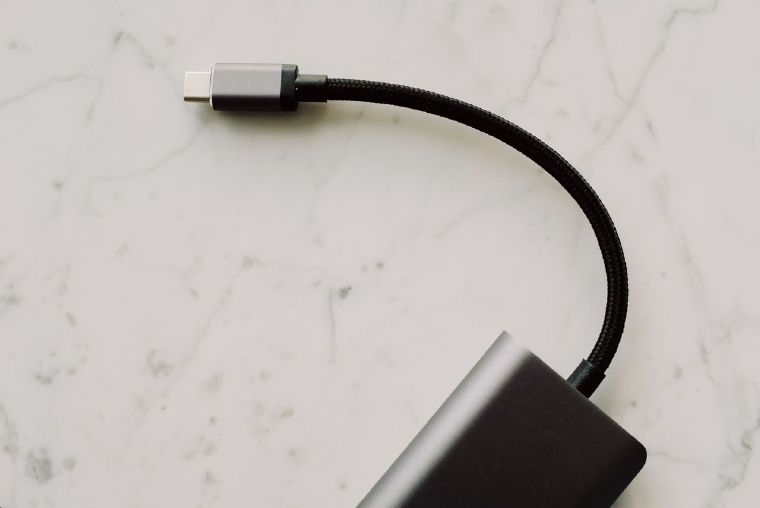
Why Are Some USB-C Cables Limited to 100W? EPR and USB PD 3.1 Explained
100W used to be the top of USB-C charging. USB PD 3.1 pushed the ceiling to 240W - but only with new EPR-rated cables. Here's why, and how to tell which ceiling your cable hits.
Read the guide →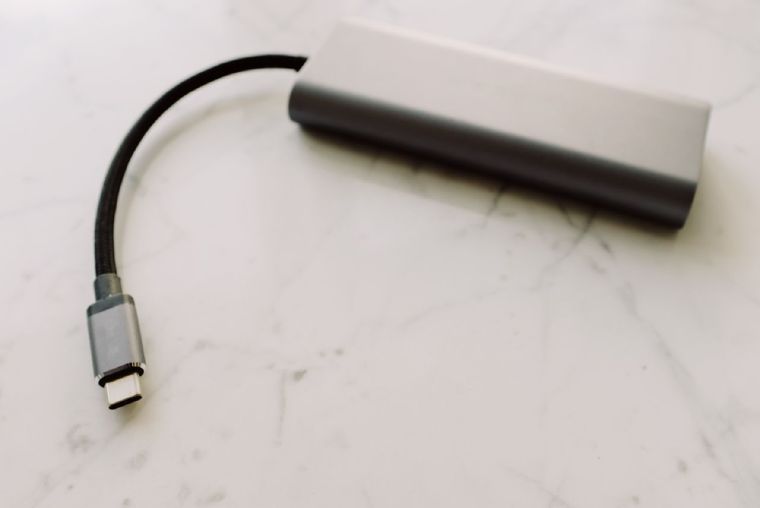
USB-C Cable eMarker Chips: What They Are and How to Read One
The e-marker chip inside a USB-C cable decides whether you get 60W or 240W, and USB 2.0 or 40 Gbps. Here's what the chip actually declares, read off real cables, and how to check your own.
Read the guide →
Is My iPhone Connected via USB 2.0 or USB 3? How to Check
Your iPhone 15 Pro or 16 Pro supports 10 Gbps transfers - but the cable in the box is USB 2.0. Here's how to tell which speed you're actually getting, and the ~20× real-world difference.
Read the guide →
Thunderbolt 4 vs. USB4: Identifying Your Connection Type
Same plug, same marketing buzzwords - but Thunderbolt 4 and USB4 are not the same. Here's how to identify what you actually have.
Read the guide →
Why is my Mac Charging Slowly? Monitoring USB-C Power Delivery (PD)
Mac charging slowly? It's probably a Power Delivery negotiation mismatch. Here's how PD works and how to see the profiles your charger actually advertises.
Read the guide →How to Check USB-C Cable Speed & Data Transfer Rate
Identical-looking USB-C cables can run at 480 Mbps or 10 Gbps - here's how to verify the real negotiated speed on Mac and Windows.
Read the guide →


